A Buffer alternative for posting with your AI agent
Buffer is simple and cheap for a few channels. Postmaxx charges one price per plan instead of per channel, and it’s built for posting from an AI agent as much as by hand.

At a glance
| Postmaxx | Buffer | |
|---|---|---|
| How you pay | One price per plan: $29, $39 or $49 a month | Per channel: $6 a month each on Essentials, $12 on Team |
| Accounts | 5, 15 or 50 | As many channels as you pay for |
| Free | 7-day free trial | Free plan with 3 channels and 10 scheduled posts each, and a 14-day trial |
| Platforms | 10: Instagram, TikTok, YouTube, X, LinkedIn, Facebook, Threads, Pinterest, Bluesky and Mastodon | 12, including Google Business Profile and Substack Notes |
| Posts | Unlimited. X posts are capped at 100, 300 or 1,000 a month by plan | 10 per channel on Free, unlimited on paid plans (fair use 5,000 per channel) |
| API | REST API with an OpenAPI file, every plan | GraphQL API, every plan |
| AI agents | MCP server with eight tools, on every plan, with an API key | Official MCP server, every plan |
| Bulk upload | Up to 50 files, a draft for each, on Creator and Pro | CSV on every plan, for text and single-picture posts |
| Team | 3 people on Creator, 10 on Pro | Unlimited people on Team, with approvals |
For 10 accounts, Buffer Essentials is $60 a month billed monthly. Postmaxx Creator is $39 for up to 15.
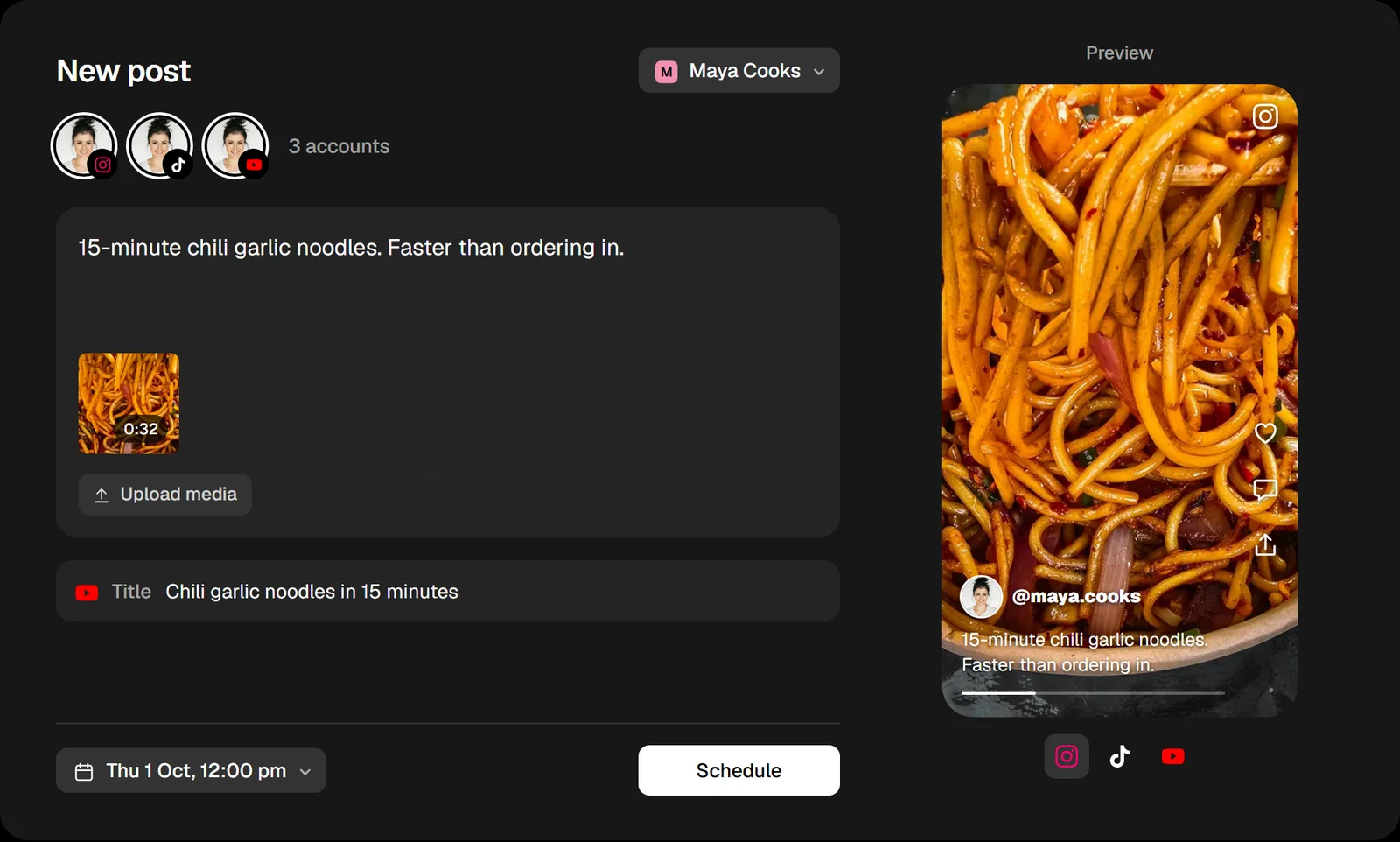
When Buffer is the better pick
- You post to two or three channels and a free plan is enough.
- You post to Google Business Profile or Substack Notes. Postmaxx doesn’t.
- Your team needs approvals before a post goes out.
When Postmaxx fits better
- You run many accounts. The price follows the plan, not each channel.
- You post video in bulk. On Creator and Pro, drop up to 50 files and get a draft for each; Buffer’s CSV upload takes text and single pictures.
- Your AI agent does the posting. One key gives it eight tools, from drafting a post to checking each account’s result.
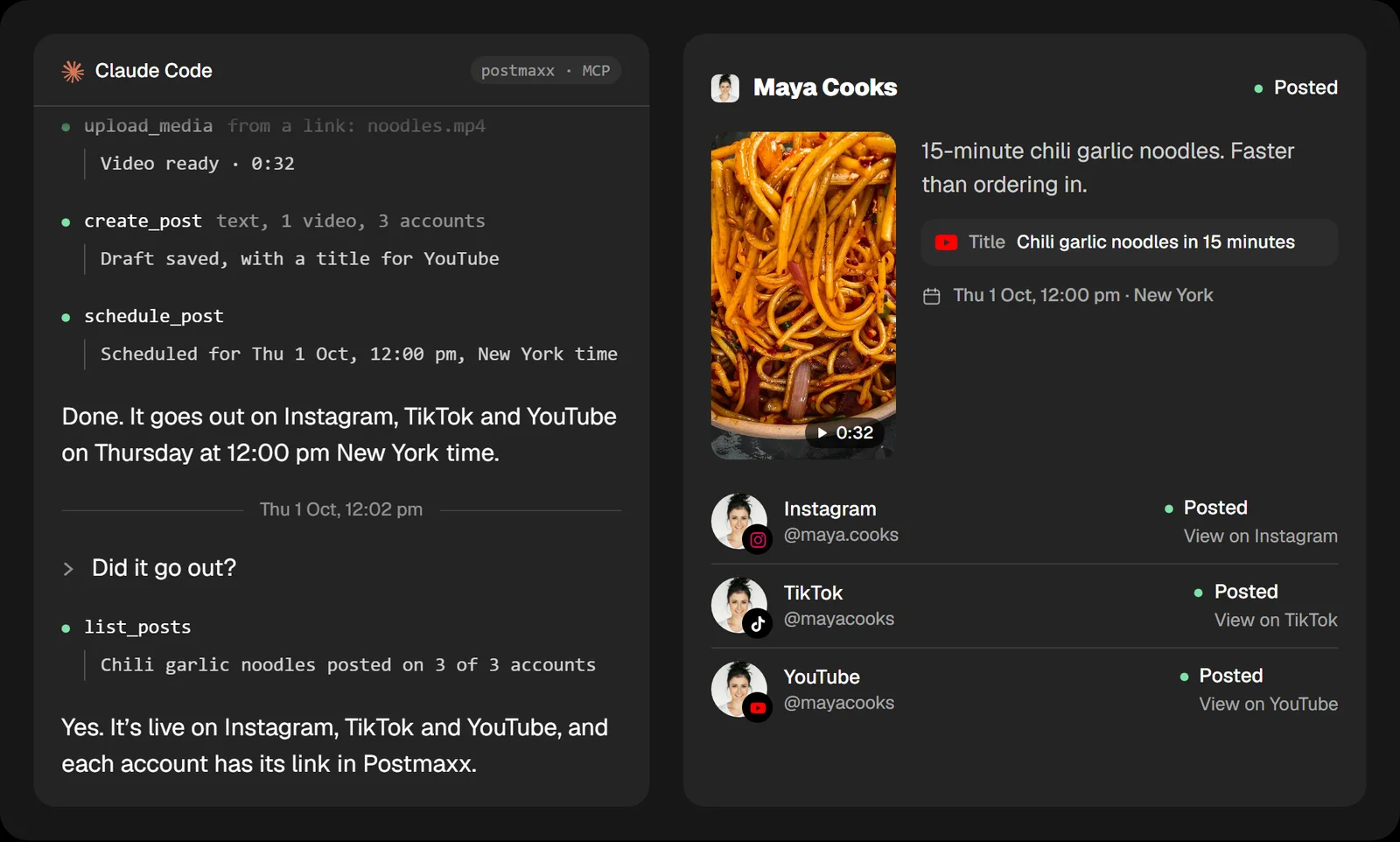
Moving from Buffer
- Start the 7-day free trial and connect your accounts. Each one signs in through the platform itself.
- Set your posting times in Settings, so each new post takes the next free one.
- Move the posts that are still scheduled in Buffer. Postmaxx doesn’t import them, so add them by hand or ask your agent to recreate them.
We make Postmaxx. Other products’ prices and features were checked on their own pages on 25 September 2026; they change, so the sources are linked.